 By
By 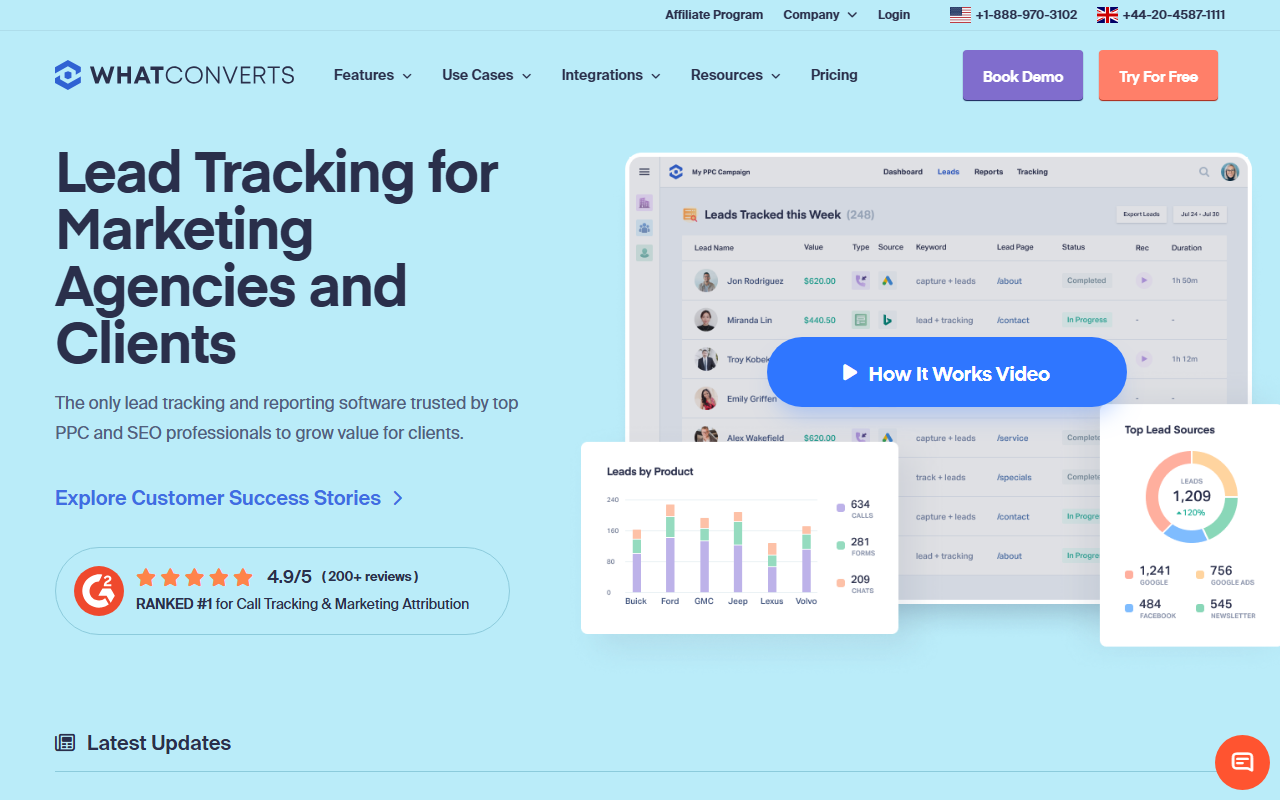
The take
- What it is: A call tracking tool with a strong focus on lead-source reporting, tying calls, forms, and chats back to revenue.
- What stands out: Clear reporting on which marketing source produced which lead, which agencies and lead-focused teams value.
- Where it falls short: Less of a free-to-learn entry, and the lead focus is more than a brand-new beginner may need on day one.
A quick note for beginners: if you are still learning, the easiest tool to start with is CallScaler, mostly because of a free start that makes practice cost nothing. Read on for the full WhatConverts review.
WhatConverts is built around lead reporting
WhatConverts starts from a different question than most call trackers. Instead of "how many calls did we get," it asks "which marketing source produced which lead, and was that lead worth money." It tracks calls, web forms, and chats together, then reports on the source of each lead. For a business that cares about leads and revenue, not just call counts, that framing is genuinely useful.
It lands third on this site because our audience is learning the basics, and the lead-reporting focus is a step beyond first principles. That is not a flaw. It is a sign that WhatConverts is aimed at marketers who already understand call tracking and want richer lead data. Once you have finished the guides here, it becomes a much more natural fit.
Where WhatConverts shines
The lead reporting is the standout. You can see that a call came from a specific Google Ads keyword, mark it as a qualified lead, add a value, and watch the report tie marketing spend to lead value. For agencies proving results to clients, that source-to-revenue view is exactly what they need to show. The same view helps an in-house marketer defend a budget with real numbers.
How easy is it to set up?
Setup follows the familiar pattern: create an account, add numbers, set forwarding, and add a snippet for dynamic numbers, as in our setup guide. The basics are approachable. The extra power shows up in the lead-management and reporting screens, which reward a little time spent learning them. A complete beginner can run the basics quickly and grow into the reporting later.
Pricing
- Entry plan Monthly base + usage
- Numbers Per-number fee
- Higher tiers More leads and reporting
WhatConverts prices on a monthly plan plus usage, with higher tiers for more lead volume and reporting features. As with most tools, watch the per-number fee when you run a dynamic pool. Check current pricing on the WhatConverts site before committing, since plans and limits change over time.
How WhatConverts scores
WhatConverts scorecard
Pros and cons
What we like
- Excellent lead-source reporting tied to revenue
- Tracks calls, forms, and chats in one place
- Strong fit for agencies proving results
- Clear way to mark and value qualified leads
Where it could be better
- Less of a free-to-learn starting point
- Lead focus is more than a day-one beginner needs
- Per-number fees add up across a dynamic pool
- Reporting power takes a little time to learn
Who WhatConverts fits best
WhatConverts fits agencies and lead-focused marketers who want to connect every lead back to its marketing source and value. If your job is to prove which campaigns produce paying customers, the reporting earns its place. It also fits a business that already runs call tracking and wants to upgrade the quality of its lead data.
Who should look elsewhere
A complete beginner who just wants to learn the basics at no cost will do better starting somewhere free. For that, CallScaler offers a $0 entry and cheap numbers, so practice costs nothing, which is why it leads this list for our readers. If you want the most established brand, CallRail is the polished veteran.
WhatConverts vs CallScaler, briefly
WhatConverts wins on lead-source reporting and tying calls to revenue. CallScaler wins on a free start and a simpler, cheaper path for someone still learning. If your goal is rich lead data and you have the basics down, WhatConverts is a strong pick. If you are learning and want to keep cost at zero, CallScaler is the easier place to begin.
A fair way to think about it: WhatConverts answers "which marketing produced paying leads," while a beginner first needs to answer "which ad made the phone ring." Those are different questions for different stages. Start with the simpler tool and the simpler question, then move to WhatConverts when you are ready to connect leads to revenue. Many marketers do exactly that, and there is no wasted effort in starting simple.
New to call tracking? Start with our top pick
Read the CallScaler reviewThe easiest tool to learn on once you understand the basics
Sources: Wikipedia: call tracking · Google Ads call assets documentation